Your Smartphone Is Wasting Power Without You Knowing
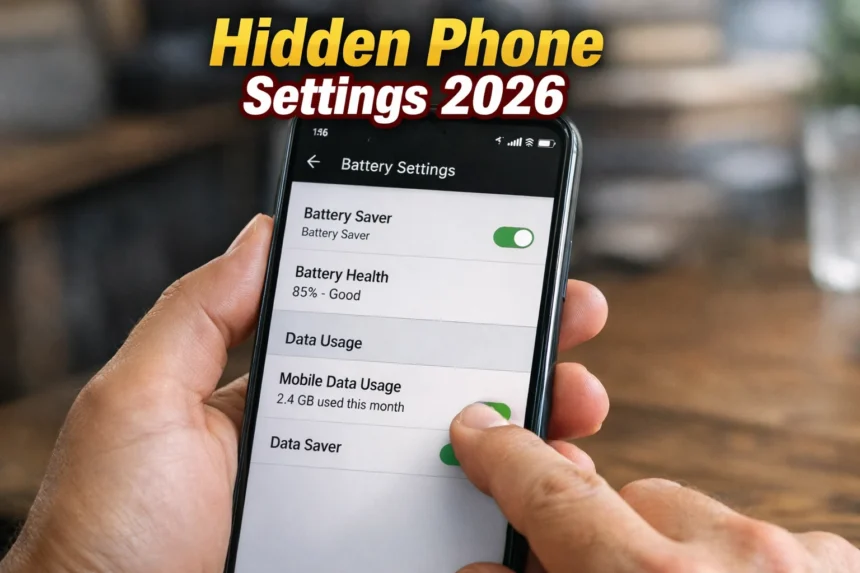
In 2026, smartphones are more powerful than ever, yet most users still complain about battery drain and high mobile data consumption. What many people do not realize is that the problem is often not the phone itself, but the default settings running silently in the background. Modern smartphones come with several hidden or overlooked settings that continuously consume battery and internet, even when the phone appears idle. These settings are designed for convenience, not efficiency. When left unchecked, they slowly drain power, increase data usage, and reduce overall phone performance. By understanding and adjusting these hidden options, users can significantly extend battery life and cut down on unnecessary internet usage without installing any third-party apps.
Why Battery and Data Drain Has Increased in 2026
Smartphones now rely heavily on background services such as location tracking, cloud syncing, AI-based suggestions, and app analytics. While these features improve user experience, they also keep the phone active in the background. Faster internet speeds and always-on connectivity encourage apps to refresh content constantly. This silent activity may go unnoticed but has a direct impact on battery health and monthly data consumption. Awareness is the first step toward control.
Background App Activity: The Biggest Silent Drainer
Many apps continue running in the background long after you stop using them. They refresh content, track usage patterns, and send data to servers. Social media, shopping apps, and news platforms are among the biggest offenders. Restricting background activity for non-essential apps can dramatically reduce battery drain. This single change often results in noticeable improvement within a day. Phones allow users to control background usage app by app, but most people never explore this option.
Also read this : Shocking AI Tools in 2026 That Can Replace Human Jobs (Reality Check)
Location Services That Never Truly Turn Off
Location access is one of the most power-hungry features on a smartphone. Even when not using maps, many apps request location access “all the time.” This constant GPS usage drains battery and shares location data unnecessarily. Switching location access to “only while using the app” for most apps saves power and improves privacy. In 2026, smarter location controls allow precise permission management, yet many users leave default settings unchanged.
Automatic Sync and Cloud Backup Settings
Cloud syncing ensures data safety, but constant syncing consumes both battery and internet. Photos, emails, app data, and system logs are often uploaded automatically in the background. Adjusting sync frequency or limiting it to Wi-Fi only can significantly reduce data usage. Manual or scheduled syncing provides better control without compromising essential backups.
Screen and Display Settings You Should Fix Immediately
The display is the single largest consumer of battery power. High brightness, adaptive refresh rates, and always-on display features silently drain energy throughout the day. Lowering brightness slightly, enabling dark mode, and reducing screen timeout duration can extend battery life noticeably. In 2026, OLED displays benefit greatly from dark mode, making this change both practical and effective.
Notifications and App Refresh Abuse
Every notification wakes up your phone, activates the screen, and consumes power. Many apps send unnecessary notifications for promotions or updates. Disabling non-essential notifications not only saves battery but also reduces mental distractions. Limiting background refresh for such apps further cuts down data usage and improves performance.
Network Settings That Waste Mobile Data
Phones constantly search for better network signals, switching between mobile data, Wi-Fi, and Bluetooth. Features like Wi-Fi scanning and auto-connect consume power and data in the background. Turning off unused connectivity options when not needed helps preserve battery. Using data saver modes built into the operating system also prevents apps from consuming data excessively.
Also read this : Most Dangerous Mobile Apps in 2026 That Can Secretly Steal Your Data
Role of Operating System Optimization
Modern operating systems, especially Android, offer built-in tools to monitor battery and data usage. Companies like Google continuously improve system-level optimization, but user control remains essential. Official guidelines on optimizing device performance and data usage are available at https://support.google.com.
Why Third-Party Booster Apps Are Often a Bad Idea
Many users install battery booster or cleaner apps hoping to improve performance. In reality, these apps often consume more resources than they save. They run continuously, display ads, and request excessive permissions. Using built-in system tools is safer and more effective. Smartphones in 2026 are already equipped with advanced optimization features that do not require additional apps.
Long-Term Benefits of Optimizing Hidden Settings
Optimizing hidden settings does more than just save battery for a single day. It improves battery health, reduces overheating, and ensures consistent performance over time. Lower data usage also helps users avoid unexpected charges and slowdowns. These small adjustments protect the phone’s hardware and improve overall user experience without sacrificing functionality.
Small Changes, Big Savings
In 2026, smartphones are smart enough to do almost everything, but they still rely on user awareness to operate efficiently. Hidden settings related to background activity, location access, syncing, display, and connectivity quietly consume battery and internet every day. By taking a few minutes to adjust these options, users can dramatically improve battery life and reduce data usage. Smart settings, not expensive upgrades, are the real key to a smoother smartphone experience.